Supported Platforms
System Requirements And Recording Setup
This page describes the current Boss Voice compatibility picture, what setups are recommended today, and how to tell whether your microphone setup is producing good enough playback to trust the analysis.
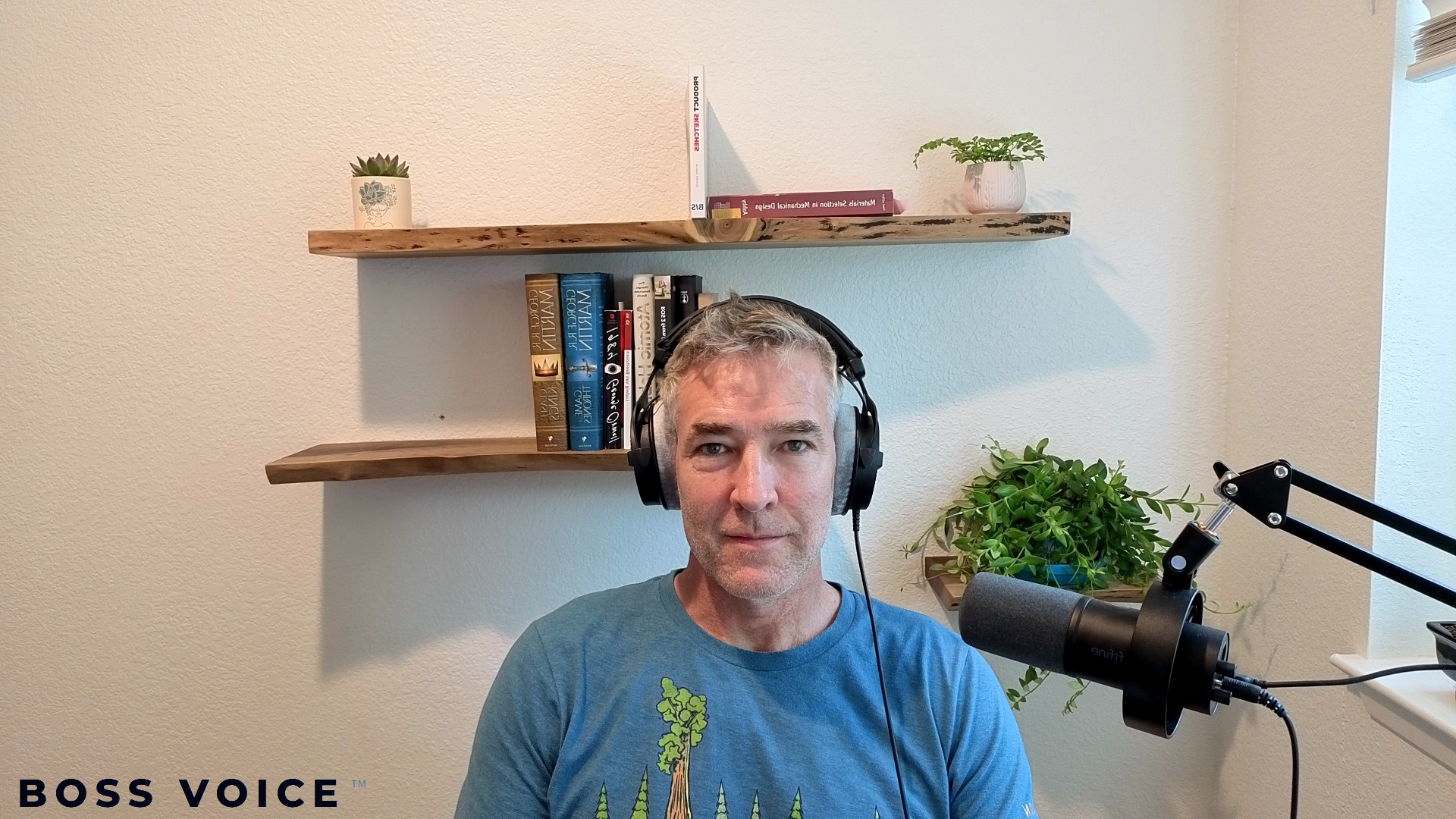
Recommended Setup
- Desktop or laptop running Google Chrome or Microsoft Edge
- External USB microphone when available
- Headphones when possible
- Quiet room with low background noise
- Review Playback after recording to confirm the sound is clear before trusting the session
Example Tested Setup
Boss Voice has been tested successfully with the following desktop setup:
- FIFINE K688 Podcast Microphone
- Desktop Chrome or Edge
- Quiet room
- Headphones optional but helpful
Important Playback Check
Before you trust the score or coaching from a new device, listen to the Playback. If the sound is muffled, overly processed, unusually thin, or clearly worse than expected, treat that setup as unreliable until you test a better microphone path.
MVP Compatibility Matrix
| Platform | Status | Notes |
|---|---|---|
| Desktop Chrome | Supported | Best current experience. Recommended with an external USB microphone. |
| Desktop Edge | Supported | Strong current experience. Recommended with an external USB microphone. |
| iPhone Safari | Limited Support | Limited support. Built-in phone mic quality may be unreliable, but earbuds such as AirPods may perform much better. |
Mobile Guidance
- If you use a phone, listen to the Playback after each recording.
- If the recording sounds muffled, overly processed, or unusually thin, do not rely on that session for training decisions.
- On iPhone, earbuds such as AirPods may perform much better than the built-in phone microphone.
- If available, consider an external microphone or earbud path for mobile recording rather than the built-in phone microphone.
- A Bluetooth system such as DJI Mic 2 may also be worth testing, but it is not yet part of the current supported matrix.
Expectations Before Subscription
- Boss Voice is still developing its supported-platform matrix.
- The system requirements guide will evolve over time as real usage data and customer testing improve the compatibility picture.
- The trial period is intended to give users time to validate that their browser, microphone, and playback quality are acceptable before they are charged.
Onboarding Video Guides
These short videos help new users understand the baseline session, the first calibration flow, and how to judge whether a recording setup sounds reliable.
Welcome to Boss Voice
A short introduction to what Boss Voice is, what the baseline session means, and how to think about early progress.
How to Do Your First Calibration
A walkthrough of the first vowel and speech recordings so users know how to begin and what counts as a usable baseline.
How to Judge Playback Quality
A quick guide to listening for clear, natural playback before trusting scores, metrics, or coaching.
Setup Examples
Desktop setup with dedicated microphone
Recommended current configuration for the most reliable Boss Voice recording quality.
Mobile setup note
Mobile support is an active area of product maturity work. If you record on a phone, treat Playback as your first quality-control checkpoint before relying on metrics or coaching. Earbuds such as AirPods may be a better mobile path than a built-in phone microphone.
If you have a strong mobile-use case, please send your browser, device model, and playback observations to feedback@boss-voice.com.